
Mostbet Registration and Login Guide
Creating an account on Mostbet online provides access to sports betting, casino games, and other platform features. New users may also be eligible for the current welcome bonus up to 58,000 INR on the first 5 deposits + 345 FS. First deposit: 100% bonus up to ₹10,000 + 150 Free Spins. Registration is available through both the website and the mobile app.
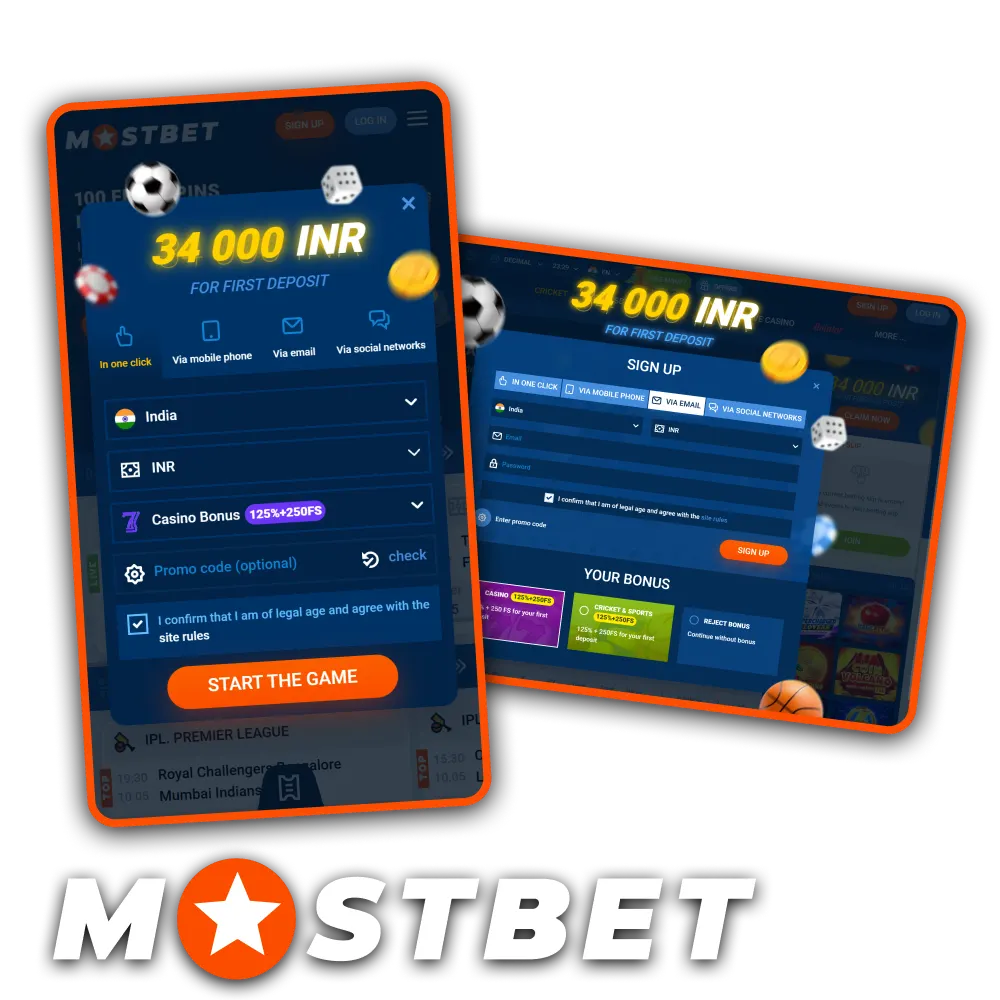
How to Register on Mostbet
Creating an account involves a few simple steps. Users can register on Mostbet using one of the available sign-up methods and, once the registration is complete, access the sportsbook, online casino, payment options, and other platform features.
- Open the Mostbet registration form using the button below.
- Select the preferred registration method.
- Enter the required account details and choose INR as the account currency, if applicable.
- Enter the promo code INDMB55 during registration in the designated field.
- Confirm your phone number or email address, then sign in to your newly created account.
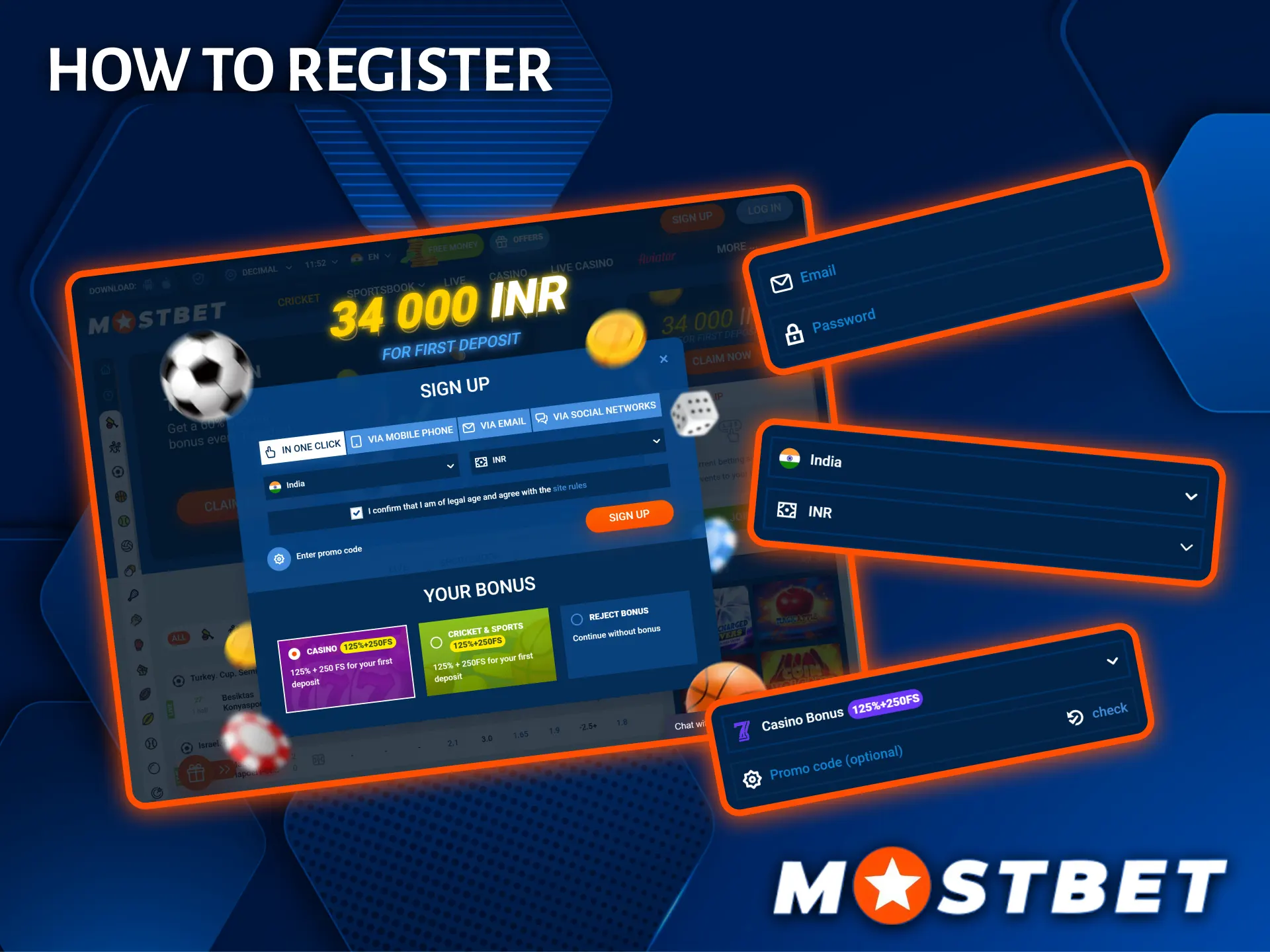
Mostbet Registration Methods
Mostbet supports several registration methods, allowing users to choose the option that best suits their preferences.
Quick One-Click Registration
One-click registration creates an account with minimal information. During the process, users select their country and account currency, after which temporary account credentials are generated automatically.
To improve account security and simplify future account recovery, it is recommended to add a phone number or email address and set a personal password after sign up on Mostbet.
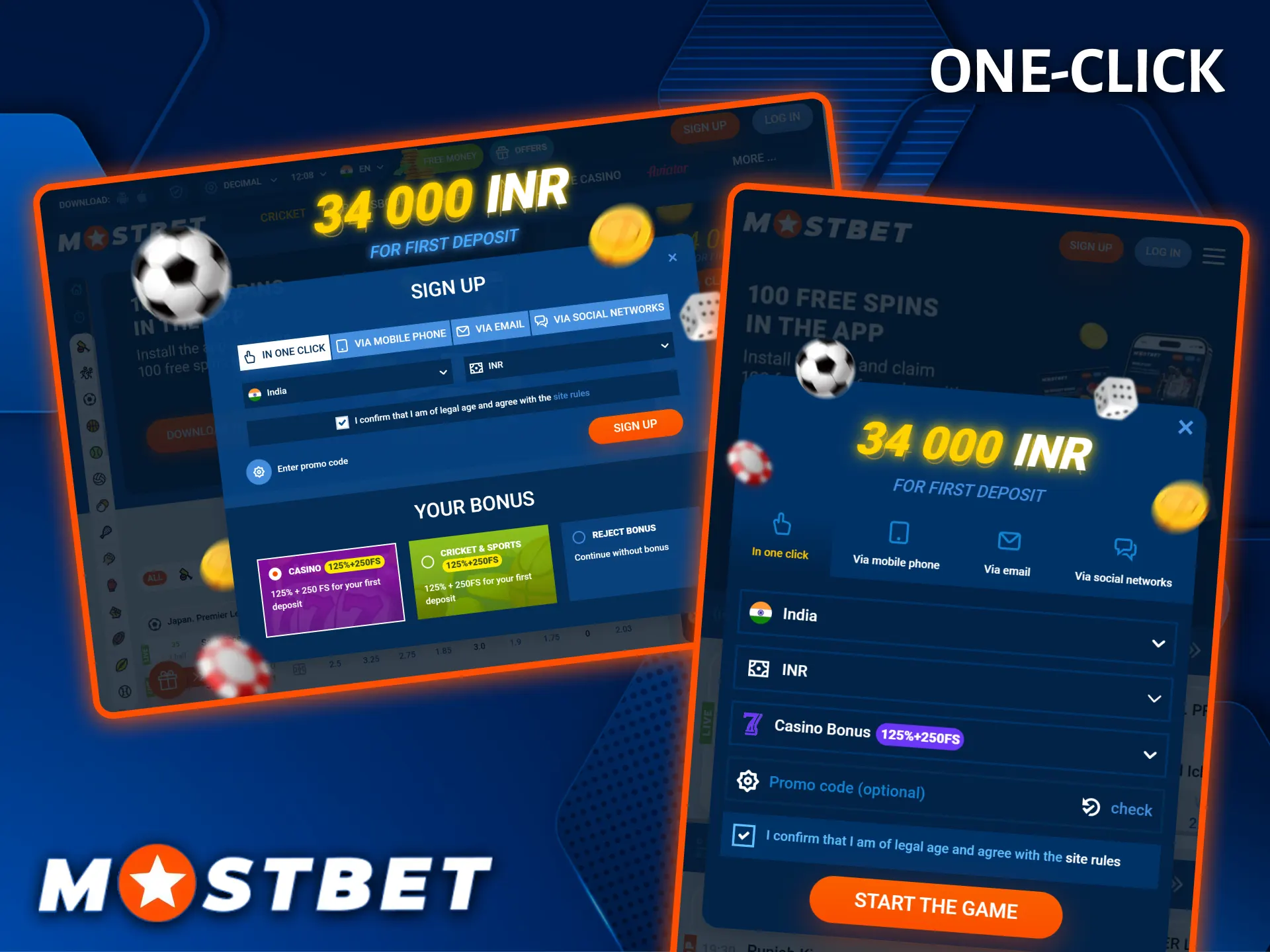
Registration by Phone Number
Phone registration requires a valid mobile number. Users enter their phone number, select their country and account currency, and confirm the verification code received by SMS to complete the registration process.
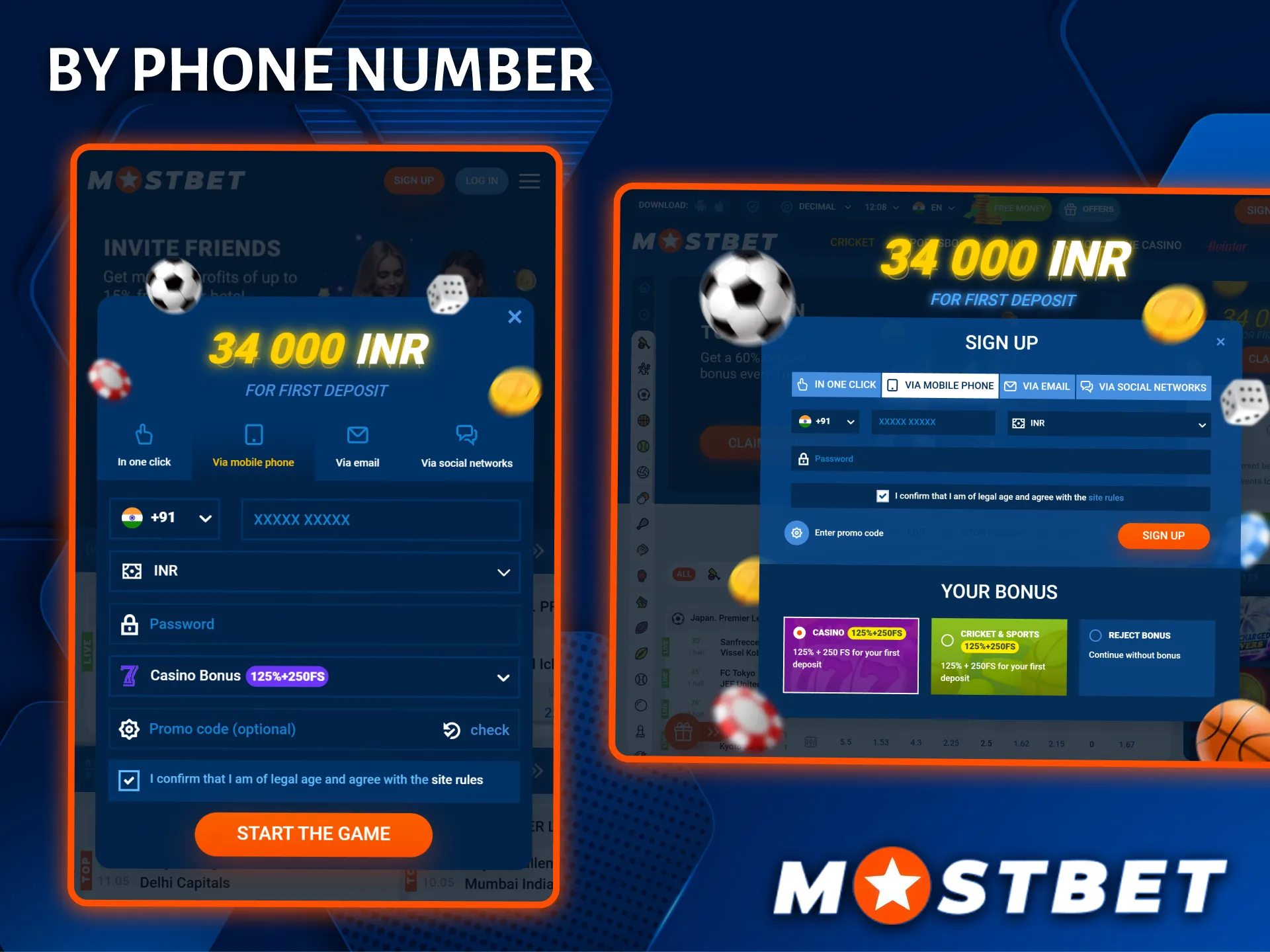
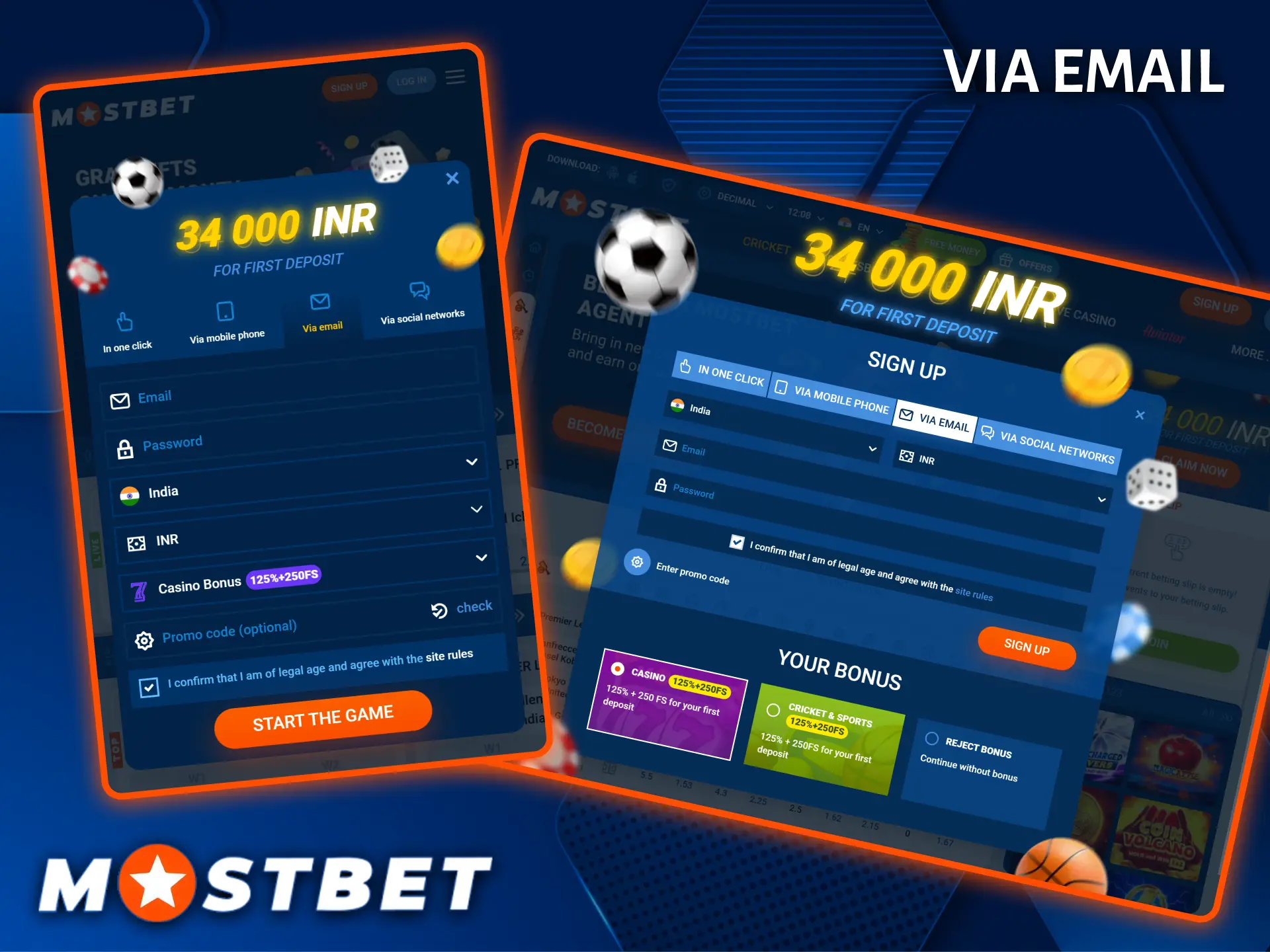
Registration via Email
Email registration requires an email address and a password. After completing the registration form, users confirm their email address using the verification link sent to the specified inbox.
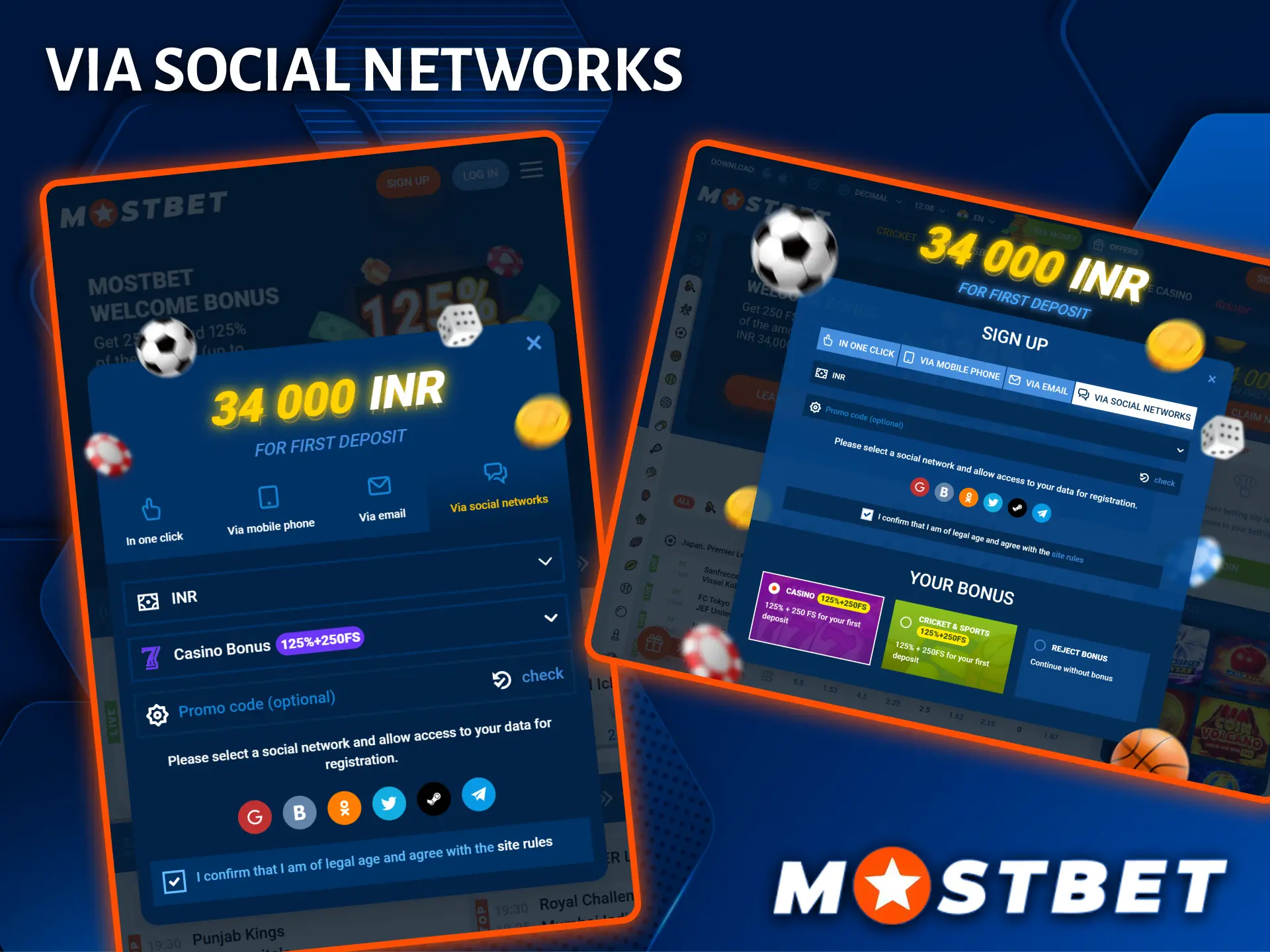
Registration via Social Networks
Mostbet also supports registration through selected social media or third-party accounts. After authorising the chosen service, the platform automatically creates a linked account using the available profile information.
Requirements to Create Account on Mostbet
Before completing your registration on Mostbet, you must meet a set of eligibility conditions. These requirements exist to protect users and ensure compliance with the platform’s policies.
- You must be at least 18 years of age to register on Mostbet and use the platform;
- You are allowed to create only one account per person, duplicate accounts may be blocked;
- Accurate personal details must be provided during registration, as mismatched information can delay or block withdrawals;
- Valid identity documents are required for the verification process, including a government-issued photo ID;
- Residents of certain restricted regions may not be eligible to register or access real-money features.
Mostbet Verification Process
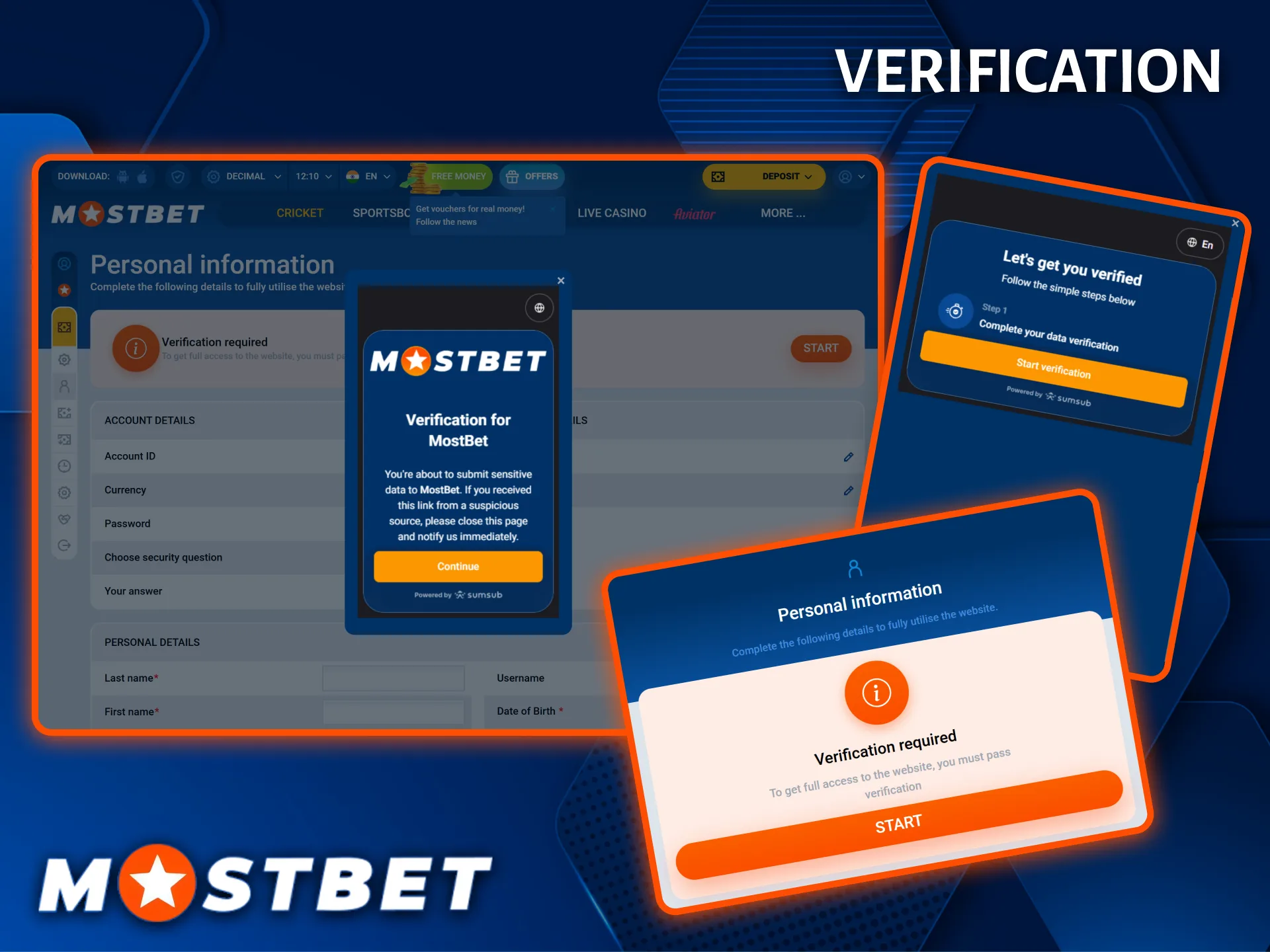
Account verification is part of the sign up Mostbet process and may be requested to confirm a user’s identity, particularly before the first withdrawal or in accordance with the platform’s security procedures. The exact verification requirements may vary depending on the account and payment method used.
- Sign in to your Mostbet account and open the Profile or Account Settings section.
- Navigate to the Verification or KYC section.
- Upload a clear photo or scan of a valid government-issued identity document.
- If requested, provide proof of address, such as a recent utility bill or bank statement.
- Wait for the submitted documents to be reviewed before verification is completed.
Login to Mostbet Personal Account
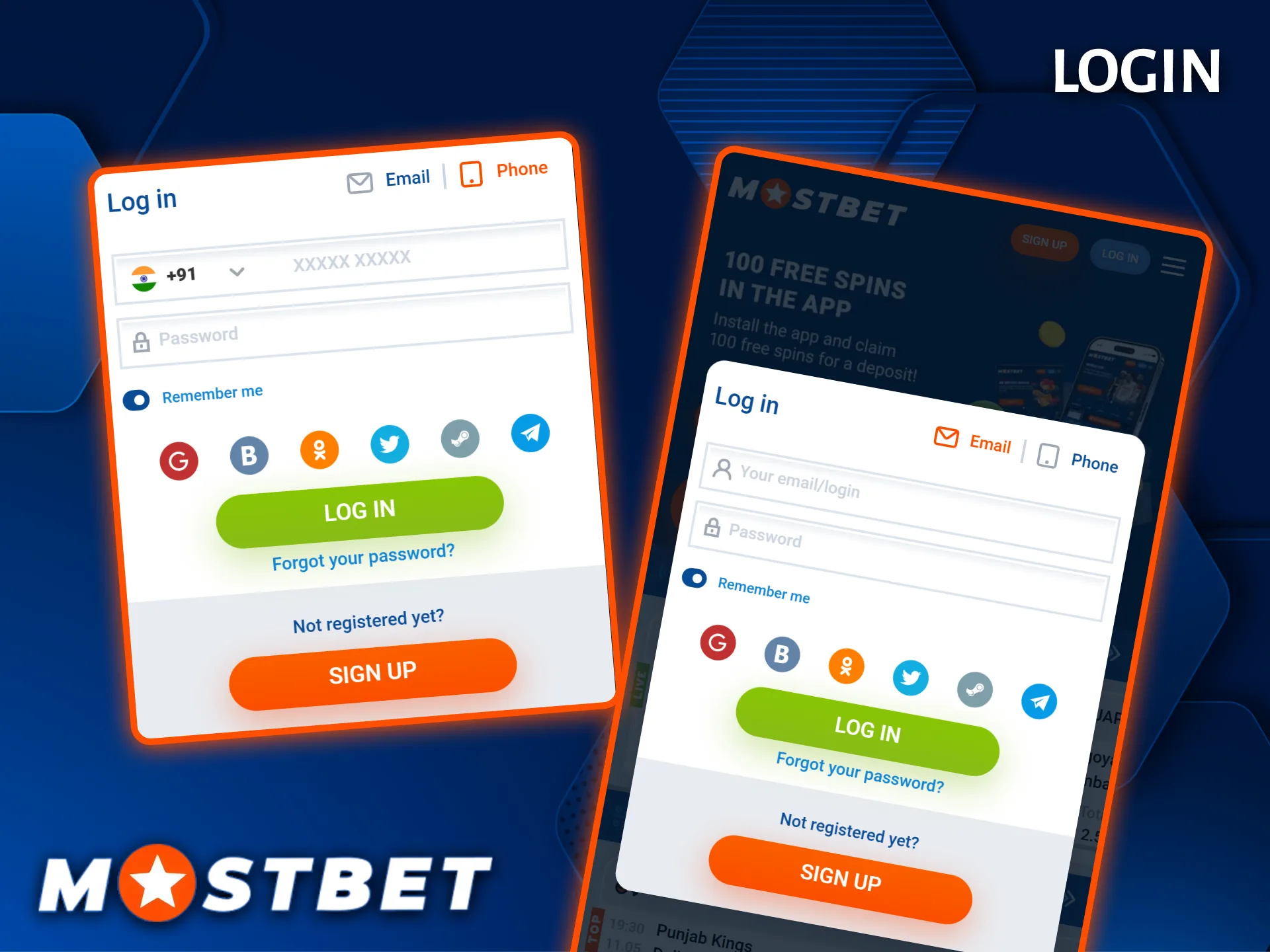
After completing registration, users can sign in to their Mostbet account using the credentials created during the registration process. The same account provides access to the sportsbook, online casino, payment options, and personal account settings.
To sign in:
- Open the Mostbet login page using the button below.
- Enter the email address or phone number associated with the account.
- Enter the account password and select Log In.
- If the account was created through a supported social media or third-party service, use the corresponding login option to authenticate.
Common Registration Issues on Mostbet
Most registration issues have straightforward fixes, and the support team is available to assist if needed. Below are the most frequently reported problems and their solutions.
- Phone number not accepted — Check that you have entered the correct country code (+91 for India) and that the number is not already linked to an existing account;
- Verification email not received — Check your spam or junk folder, or request a new verification link from the login page;
- Account blocked after registration — This may occur if the system detects duplicate account activity; contact support with your registration details to resolve the issue;
- Promo code not applied — Ensure the code is entered during registration before the account is created, as codes cannot be applied retroactively;
- Unable to upload verification documents — Make sure your files are in a supported format (JPG, PNG, or PDF) and do not exceed the maximum file size allowed by the platform.
How to Recover Your Account Password
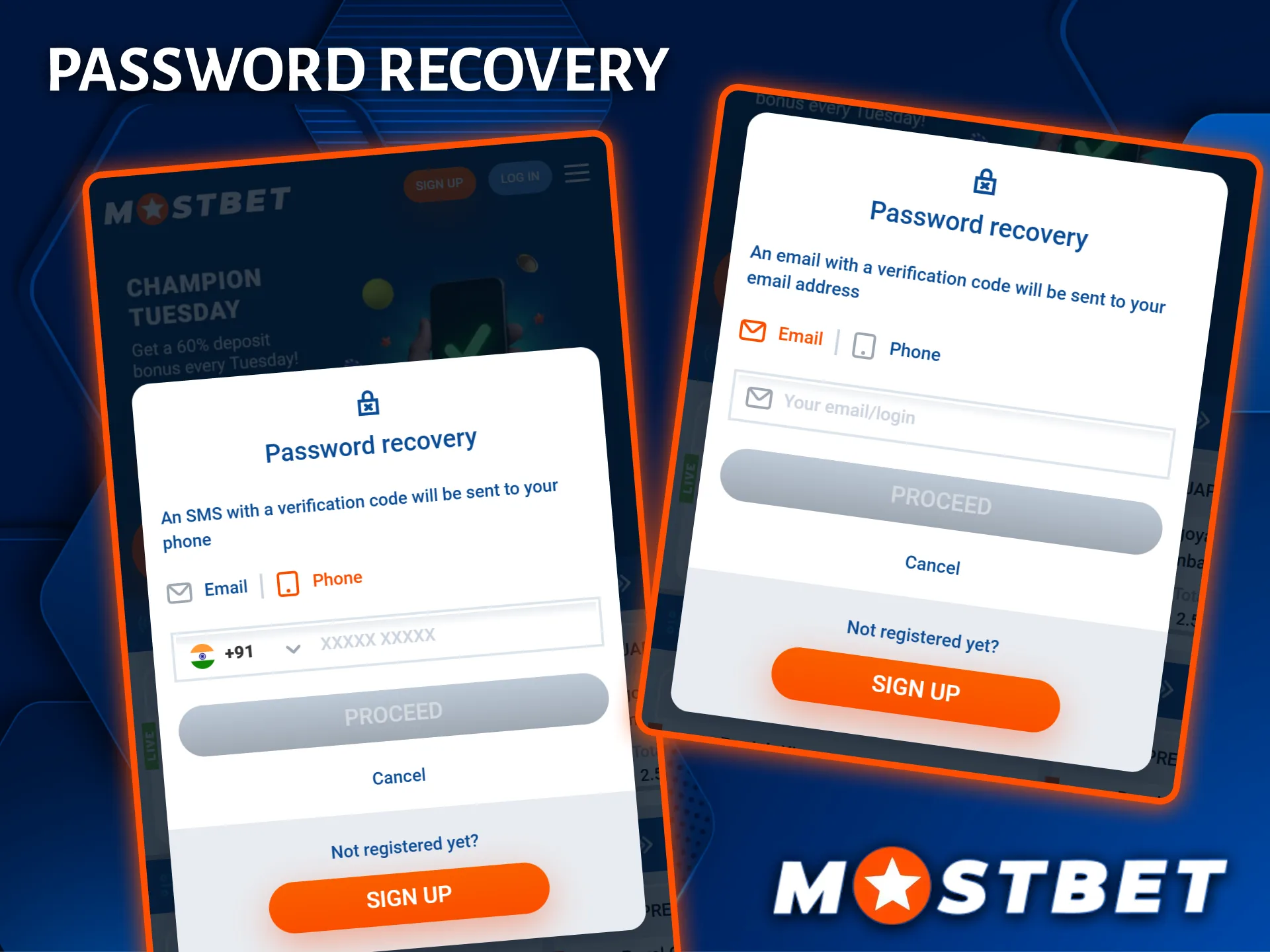
If access to a Mostbet account is unavailable because the password has been forgotten, it can be reset using the password recovery option on the login page. Recovery is available through the contact details associated with the account.
To reset the password:
- Open the Mostbet login page and select Forgot Password.
- Choose the preferred recovery method, such as a phone number or email address.
- Enter the phone number or email linked to the account.
- Follow the instructions provided in the SMS message or email to verify the request.
- Create a new password and sign in using the updated credentials.
Deleting Your Mostbet Account
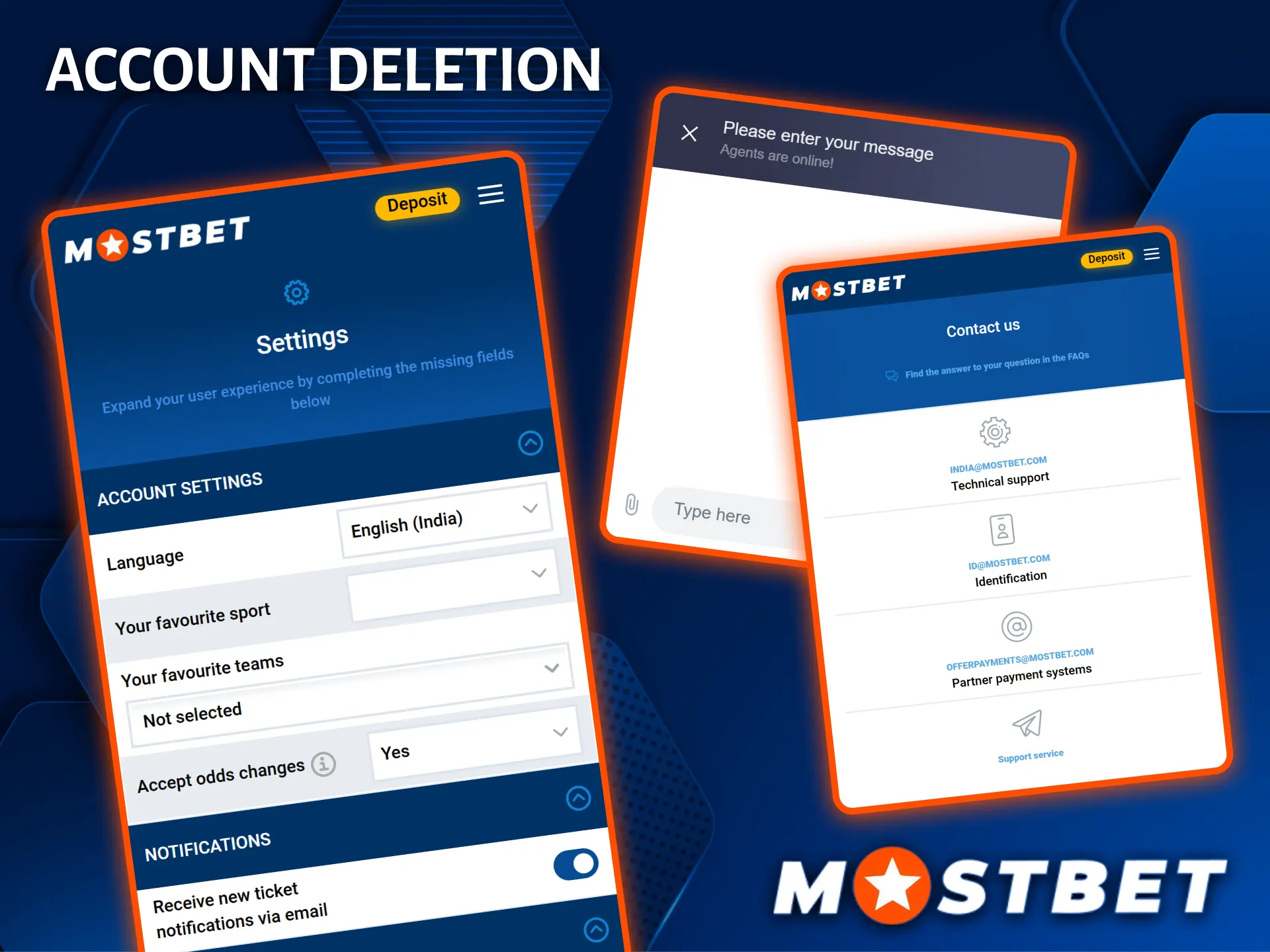
Users who no longer wish to use their Mostbet account can request account closure. Before submitting a request, it is generally recommended to complete any pending withdrawals and ensure there are no remaining account balances or unresolved transactions.
The account closure process typically involves the following steps:
- Sign in to your Mostbet account and open the Profile or Account Settings section.
- Check whether an account closure option is available. If not, contact customer support through one of the available communication channels.
- Follow the verification or confirmation steps required to process the request.
- Wait for confirmation that the account closure request has been completed.
The exact procedure may vary depending on the account status and the platform’s current policies.
FAQ
How long does the Mostbet verification process take?
Document review typically takes between 24 and 72 hours after submission. In some cases it may be completed sooner. You will receive a notification once the review is done.
Is it safe to store my personal details on Mostbet?
Yes. The platform uses SSL encryption to protect all user data. Your personal and financial information is stored securely and is not shared with unauthorised third parties.
Can I log in to Mostbet on multiple devices at the same time?
You can access your account from different devices, but it is advisable to log out from unused devices for security. The account remains the same across the website and mobile app.
Updated: